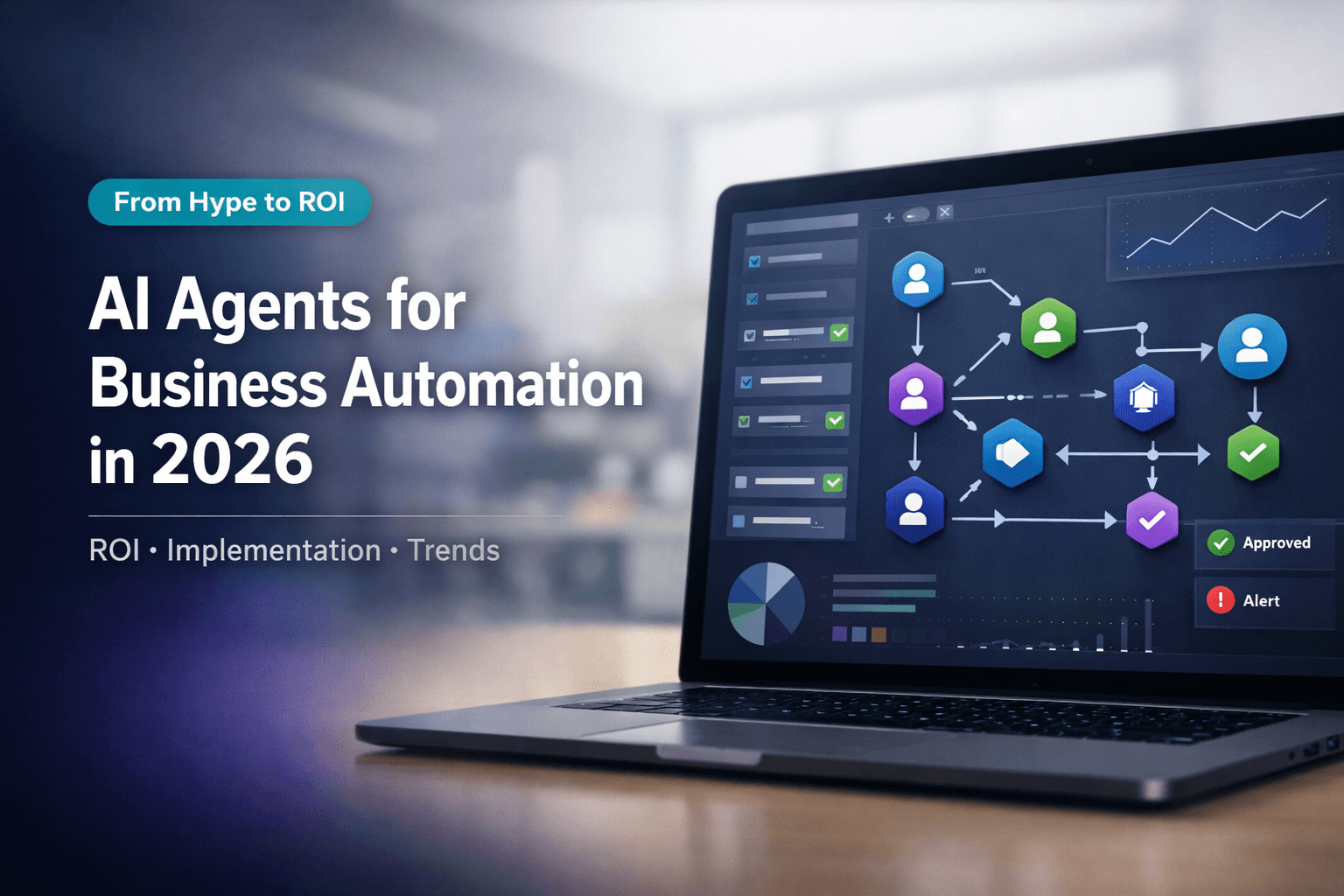
AI Agents for Business Automation in 2026: ROI, Implementation, and Trends
If you are researching AI agents for business automation in 2026, you are probably asking a practical question: where do they create real value, and how do you roll them out without adding more complexity? That is the right lens.
The hype around AI is still loud, but the conversation has shifted. In 2026, businesses are moving beyond one-off chatbots and simple prompt tools. They want systems that can reason through tasks, use tools, pull from company knowledge, update data, and hand work off to other agents when needed. In other words, they want automation that behaves more like a team than a single assistant.
This guide breaks down what AI agents are, why adoption is accelerating, where ROI is showing up, and how to implement them in a way that actually sticks. If you want the landscape of platforms and orchestration options, the best AI automation platforms in 2026 complements this article.
What Are AI Agents?
AI agents are software systems that can interpret a goal, decide what steps are needed, and take action using available tools and data. That is what makes them different from a basic chatbot. For a vendor-neutral, business-oriented breakdown of definitions and trends, Turbotic’s guide to AI agents for businesses in 2026 is a useful companion read.
A standard chatbot usually responds to a prompt. An AI agent can do more. It can:
- gather information
- reason through a workflow
- use tools like web search, APIs, files, or databases
- update records
- escalate or hand off to another agent
- continue work across multiple steps
That last point matters. Modern business automation is rarely one task deep. A support request may need classification, policy lookup, CRM updates, and a reply draft. A sales process may need lead enrichment, scoring, assignment, and follow-up. AI agents fit these multi-step environments much better than isolated assistants. For a structured comparison of assistants versus agent-style systems, see AI agents vs chatbots.
Why AI Agents for Business Automation in 2026 Matter Now
2026 feels like a breakout year because three conditions have finally lined up.
First, models are better at tool use and structured task completion. Second, businesses now expect AI to connect with real systems instead of staying in a chat box. Third, platforms are making multi-agent orchestration easier to deploy.
The result is a move from “ask AI a question” to “assign AI a job.” Across operations, support, finance, and internal knowledge work, teams are moving from one-off demos to workflows that sit beside real systems and ownership.
Key Benefits of AI Agents for Business Automation
The biggest reason companies adopt AI agents is simple: they reduce manual coordination.
Here is where the value usually shows up first:
1. Faster task completion
Agents can complete repetitive work in seconds, especially when that work involves reading, classifying, routing, drafting, or updating systems.
2. Better consistency
A trained agent follows the same workflow every time. That helps with support triage, internal SOPs, and recurring admin work.
3. Lower operational drag
Teams spend less time copying data between systems, chasing missing information, or repeating the same low-value tasks.
4. More scalable service
AI agents can run 24/7 and handle fluctuating volume without the same staffing constraints as manual teams.
5. Stronger knowledge use
When agents are connected to company documents, they can respond based on internal policies, specs, and approved materials instead of relying only on general model knowledge.
This is where architecture matters. A strong automation setup is not just one smart model. It is a system of roles, tools, and controls.
Real-World ROI: Where Businesses Are Seeing Value
ROI from AI agents usually comes from one of three buckets: labor savings, faster cycle times, or higher throughput.
Common early wins include:
- customer support deflection and triage
- lead qualification and research
- invoice and document processing
- internal help desk workflows
- knowledge retrieval for teams
- status updates across multiple business systems
The exact ROI varies by use case, team maturity, and integration quality. Public benchmarks on adoption rates, time saved, and dollar returns also vary widely by industry, survey methodology, and who funded the study—so treat headline numbers as directional. For a cross-industry snapshot, see ABNAsia’s 2026 State of AI Agents report (PDF). On why leaders tie spend to autonomous workflow outcomes, LinkedIn’s analysis of AI agent ROI in 2026 is a readable counterweight to vendor-led narratives.
For your own plan, lean on pilot metrics you control: baseline handling time, tickets resolved, error rate, and hours returned to the team.
The strongest ROI still tends to come from narrow, high-volume processes with clear inputs, clear outputs, and measurable outcomes.
How to Implement AI Agents in Your Business
The best implementations start small and structured. For another implementation-focused angle on agents in operations, Abhyash Suchi’s overview of AI agents for business automation in 2026 pairs well with the steps below.
Step 1: Pick one workflow, not ten
Choose a process with real friction. Good candidates include intake, routing, knowledge lookups, and repetitive document handling.
Step 2: Map the workflow
List inputs, decisions, tools, approvals, and outputs. If the process is unclear for humans, it will also be unclear for agents.
Step 3: Define roles
This is where multi-agent design becomes useful. Instead of one general-purpose agent doing everything, assign specialized roles.
For example:
- an intake agent classifies requests
- a research agent pulls supporting context
- an action agent updates systems
- a QA agent reviews the output before handoff
Step 4: Connect knowledge and data
Agents need reliable context. That usually means internal documents, policy libraries, customer data, and structured tables.
AffinityBots is a strong example of this model. It lets teams configure specialized agents, connect them in linear or delegation-style workflows, and ground them with assigned knowledge sources. It also includes Smart Tables, which act like a user-owned structured database that agents can read and update through controlled tools. That is useful when your automation needs more than chat, like tracking leads, tickets, research rows, or workflow state.
Step 5: Give agents the right tools
Tools are what turn reasoning into action. In practical terms, that means access to the web, APIs, files, internal systems, and structured data. Standardized tool interfaces (for example patterns like the Model Context Protocol) are increasingly part of how teams wire agents into stacks safely and consistently.
Step 6: Add review and governance
Not every task should be fully autonomous. Start with human review for sensitive workflows, then increase autonomy as quality improves.
Step 7: Measure business outcomes
Track resolution time, manual hours saved, error rates, throughput, and handoff quality. If you cannot measure it, you cannot prove ROI.
How Industries Use AI Agents Today
The patterns below show up across teams; your mileage will depend on data quality, integrations, and governance—not a generic industry percentage.
Customer support
AI agents are being used to classify incoming requests, retrieve policy context, draft responses, and route edge cases to humans. This shortens response times and reduces queue pressure. For more on service-oriented design, see enhancing customer service with AI agents.
Sales and lead ops
Agents can enrich leads, summarize accounts, score opportunities, and trigger follow-up steps. This is especially useful when reps lose time to research and CRM hygiene. Related funnel and tooling ideas also appear in automated lead generation for small business. Azeel Technologies’ write-up on AI automation for business in 2026 illustrates how marketing and SEO-adjacent automation stacks often connect to the same lead-capture systems agents sit on top of.
Finance and operations
Invoice handling, policy checks, document summaries, and exception routing are all good fits. The process is structured, repetitive, and usually measurable.
For public marketing or sales collateral, prefer named customers and metrics you can document. For internal prioritization, your own pilot results are usually the most honest ROI story.
Challenges and Pitfalls to Watch
AI agents are powerful, but they are not magic.
Common problems include:
- poor process design
- weak source data
- too much autonomy too early
- unclear ownership
- disconnected systems
- missing compliance review
A lot of failed AI projects are really workflow design failures. Businesses often expect an agent to “figure it out” inside a messy process. That rarely ends well.
The safer path is to start with bounded workflows, clear guardrails, and explicit success metrics. For regulated industries, involve security, legal, and compliance teams early.
Future Trends: What Comes Next?
The next phase of AI automation is not just smarter single agents. It is coordinated agent teams.
That shift matters because real business work is collaborative. One role gathers facts. Another makes a recommendation. Another updates systems. Another checks the result. Multi-agent orchestration mirrors how teams already operate.
This is where platforms like AffinityBots stand out. Its product model is not a loose collection of chat tools. It is built around configured agents, reusable skills, workflows, knowledge, Smart Tables, tools, and controlled deployments. That architecture is well aligned with how business automation is evolving in 2026.
Expect the strongest growth in systems that combine:
- role-based agent teams
- grounded internal knowledge
- structured data access
- workflow triggers
- human approval layers
- deployment controls and monitoring
Frequently Asked Questions About AI Agents for Business
What is the difference between an AI agent and a chatbot?
A chatbot mostly answers prompts. An AI agent can plan steps, use tools, interact with systems, and complete multi-step work.
Are AI agents only for large enterprises?
No. Small and mid-sized businesses often benefit first because repetitive operations create obvious automation opportunities.
How long does implementation take?
A focused pilot can be launched in weeks. A broader rollout takes longer because integrations, review flows, and governance need careful setup.
What kinds of workflows work best first?
Start with structured, repetitive workflows that have clear inputs and outputs, such as ticket triage, lead enrichment, document processing, or internal knowledge support.
Do AI agents replace employees?
Usually, they reduce manual workload and handle repetitive tasks. The best outcomes come when humans supervise exceptions, strategy, and customer judgment.
External references
Sources cited in this article:
- Turbotic, What Are AI Agents? A Complete Guide for Businesses in 2026
- LinkedIn, The Real ROI of AI Agents: Why 2026 is the Year of Autonomous Workflow
- Abhyash Suchi, AI Agents for Business Automation 2026
- ABNAsia, The 2026 State of AI Agents Report (PDF)
- Azeel Technologies, AI Automation for Business in 2026
Conclusion
AI agents are changing business automation because they do more than answer questions. They carry work forward.
In 2026, the companies getting results are not chasing generic AI features. They are building targeted workflows, assigning clear agent roles, grounding those agents with real business knowledge, and measuring outcomes that matter.
If you are getting started, begin with one process, one success metric, and one automation architecture you can trust. From there, you can scale into multi-agent systems that act less like a tool and more like a capable operations layer.