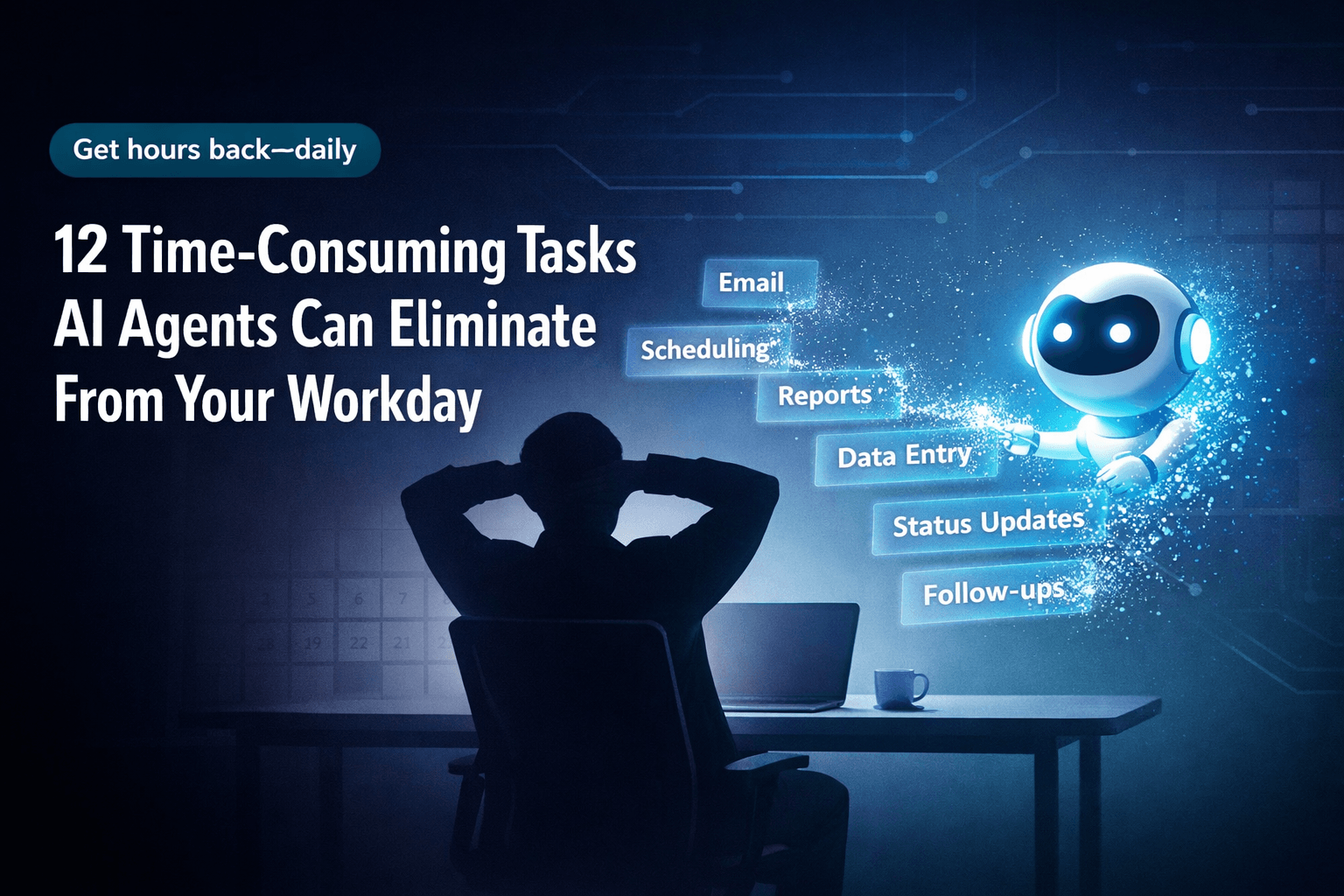
12 Time-Consuming Tasks AI Can Eliminate From Your Workday
12 Time-Consuming Tasks AI Can Eliminate From Your Workday
If your team feels busy all day but still ends the week wondering where the time went, the problem usually is not the big projects. It is the small stuff. The inbox clean-up, the scheduling shuffle, the spreadsheet updates, the meeting notes, and the repetitive follow-ups. None of it feels dramatic in the moment. Together, it quietly drains hours.
That is why so many businesses are turning to AI. Not to replace judgment, creativity, or relationship-building, but to take care of the repetitive work that slows people down. Recent coverage from Harvard Business Review and McKinsey points to the same pattern: the biggest gains often come from automating routine tasks, not from chasing flashy experiments.
Below are 12 time-consuming tasks AI can eliminate or dramatically reduce, so your team can spend more time on work that actually moves the business forward.
Why AI Works Best on Repetitive Work
AI is especially useful when a task follows a pattern. If the work involves sorting, summarizing, classifying, extracting, routing, or drafting, there is a good chance AI can help.
That does not mean every process should run on autopilot. The best setups keep humans involved where judgment matters and let AI handle the admin-heavy steps around it. Think of it as better leverage, not blind automation.
1. Scheduling Meetings and Managing Calendars
Meeting coordination is one of the fastest wins.
AI scheduling tools can compare calendars, suggest time slots, account for time zones, send reminders, and reschedule when plans change. That turns a long chain of back-and-forth emails into a quick, mostly invisible process.
For sales teams, recruiters, executives, and client-facing staff, that matters. Less friction means fewer delays, fewer dropped conversations, and fewer small scheduling headaches stealing attention from real work.
2. Sorting Email and Prioritizing the Inbox
Most people do not have an email problem. They have a sorting problem.
AI can flag urgent messages, group similar emails, surface action items, draft replies, and route requests to the right person. Instead of treating every incoming message like it deserves equal attention, your team can focus on what actually needs a human response.
That is especially helpful for leaders, support teams, and anyone whose inbox doubles as a task list.
3. Handling Data Entry and Spreadsheet Updates
Manual data entry is one of the most expensive forms of busywork because it looks harmless until you add up the hours.
AI can pull information from forms, receipts, PDFs, emails, and uploaded documents, then push that information into spreadsheets, CRMs, or databases. It also helps reduce the copy-and-paste mistakes that come with repetitive manual work.
If your team still spends hours cleaning rows in Excel or Google Sheets, this is one of the clearest places to start. IBM’s overview of AI automation gives a useful high-level look at how these systems are being used across business operations.
4. Taking Meeting Notes and Summarizing Calls
Most people are bad at being fully present in a meeting while also trying to capture every important detail.
AI note-taking tools can transcribe conversations, summarize key points, highlight decisions, and pull out action items. That makes meetings easier to review and much easier to share with anyone who could not attend.
There is also a practical accessibility benefit. Written summaries help teams revisit unclear moments, confirm next steps, and avoid the classic problem of five people leaving the same meeting with five different interpretations.
5. Building Reports and Weekly Summaries
Status reports, executive updates, and team recaps tend to eat up more time than anyone expects.
AI can gather information from multiple sources, identify patterns, and create a solid first draft in a consistent format. That gives managers and operators something to react to instead of a blank page.
The value is not in letting AI make the final call. The value is in removing the tedious assembly work so people can spend more time interpreting the numbers and deciding what to do next.
6. Reviewing Documents and Flagging Issues
Contracts, policies, HR files, procurement paperwork, and internal documents often require the same first-pass checks again and again.
AI can help compare versions, spot inconsistencies, flag missing fields, and identify language that deserves a closer look. It can speed up repetitive review work and reduce avoidable errors before the document reaches a human expert.
For regulated industries or high-risk agreements, keep a qualified reviewer in the loop. AI is useful here, but it should support professional review, not replace it.
7. Answering Common Customer Support Questions
Support teams spend a surprising amount of time answering the same questions in slightly different ways.
AI chatbots and support agents can handle common FAQs, suggest responses, route tickets, and provide a first response outside business hours. That shortens wait times for customers and gives human support staff more room to handle complex cases that need empathy, context, or careful troubleshooting.
Used well, this does not make support feel robotic. It makes routine interactions faster and leaves the human team with more time for the moments that matter most.
8. Creating and Scheduling Social Content
Content teams rarely struggle with ideas alone. They struggle with production volume.
AI can help draft captions, repurpose long-form content into shorter posts, suggest variations by platform, and flag brand mentions or sentiment changes. It can also support scheduling and monitoring, which reduces the amount of manual coordination required to keep a content calendar moving.
This is one reason marketing teams are experimenting so heavily with AI-assisted workflows. Zapier’s roundup of AI automation examples highlights several practical use cases that go beyond simple text generation.
9. Processing Invoices and Managing Expenses
Invoice handling is exactly the kind of repetitive workflow that slows down finance teams.
AI can extract line items, match invoices against records, route approvals, flag inconsistencies, and help create a cleaner audit trail. That speeds up processing and reduces the chance of human error in tedious review steps.
For businesses with established approval logic, this is often a high-value automation opportunity because the process is repetitive, rules-based, and easy to measure.
10. Researching and Organizing Information
Research matters, but the gathering phase can be a grind.
AI can scan documents, summarize articles, compare source material, and organize findings into usable notes. That helps with market research, sales prep, competitive analysis, internal planning, and early-stage content development.
The catch is simple: use credible sources, and verify important conclusions before acting on them. AI can accelerate research, but it should not be treated like a substitute for source judgment.
11. Drafting and Editing Content
AI is not just useful for writing from scratch. In many teams, its biggest value is helping people get to a stronger draft faster.
It can help draft blog outlines, product descriptions, social posts, landing page copy, internal documentation, and email sequences. It can also tighten grammar, improve clarity, and smooth out awkward phrasing during editing.
The strongest results still come when a human reviewer shapes the final message. Brand voice, nuance, and factual accuracy are not things you want to leave to chance.
12. Automating Multi-Step Workflows Across Tools
This is where AI starts becoming more than a helper and begins acting like real operational support.
Instead of automating one isolated task, AI can coordinate a sequence of actions across multiple tools. An inbound lead can be summarized, logged in the CRM, routed to the right rep, followed up automatically, and tracked in a shared system without someone manually moving the work forward at every step.
That is where platforms like AffinityBots become especially useful. Rather than acting like a single chatbot, AffinityBots is designed as a multi-agent team builder. You can configure specialized agents, connect them to workflows, give them access to knowledge, and use Smart Tables to work with structured data. The result is a system that can support full business processes, not just one-off prompts.
How to Get Started Without Overcomplicating It
The smartest way to introduce AI at work is to start small and stay practical.
Pick one annoying, repetitive workflow
Choose a process your team repeats every week, such as support triage, meeting follow-up, or report creation.
Map what actually happens
List the steps from start to finish. Look for handoffs, approvals, duplicated effort, and places where information gets copied manually.
Separate judgment from repetition
Keep people involved in the moments that require context, judgment, or approval. Let AI take the repeatable parts.
Use the right level of automation
If you only need writing assistance, a simple AI assistant may be enough. If you want actions across tools, approvals, structured data, and repeatable workflows, you need something more operational.
Measure the outcome
Track time saved, response time, error reduction, and adoption. If you cannot measure the improvement, it is hard to scale the process with confidence.
Common Mistakes Teams Make With AI
AI projects usually do not fail because the technology is weak. They fail because the workflow is messy.
Here are a few common mistakes:
- Automating a broken process: If the workflow is confusing before AI, it will still be confusing after AI.
- Using poor inputs: Bad data produces bad output, faster.
- Skipping review rules: Teams trust automation more when they know exactly where human approval happens.
- Adding too many disconnected tools: Tool sprawl creates friction instead of removing it.
- Ignoring privacy and permissions: Sensitive workflows need clear controls from day one.
A better approach is to start with one process, define clear boundaries, and build from there.
FAQs About AI Workplace Automation
What kinds of tasks are best for AI automation?
The best candidates are tasks with repeatable steps, predictable inputs, and clear outputs. Scheduling, summarization, routing, extraction, and reporting are common examples.
Will AI replace employees?
In most business settings, AI is far better at removing busywork than replacing people. Human judgment, accountability, and communication still matter.
What is the difference between AI automation and standard workflow automation?
Traditional workflow automation follows fixed rules. AI automation adds capabilities like classification, summarization, drafting, and extraction, which helps when inputs are less structured.
When does a business need multi-agent AI?
Multi-agent AI makes sense when a process involves multiple roles, tools, and handoffs, such as lead intake, support operations, research workflows, or content production.
Final Thought
The best AI projects do not start with hype. They start with friction.
Look closely at the tasks your team repeats every day. If the work is predictable, manual, and low-leverage, there is a good chance AI can reduce it or remove it entirely. That is where the real payoff lives.
Start with one workflow. Automate the boring parts. Keep people in the loop where judgment matters. Then scale what works.
That is how teams stop treating AI like a novelty and start using it like an advantage. For a broader look at how this shift is playing out across industries, Forbes has also covered several ways AI is reshaping work.